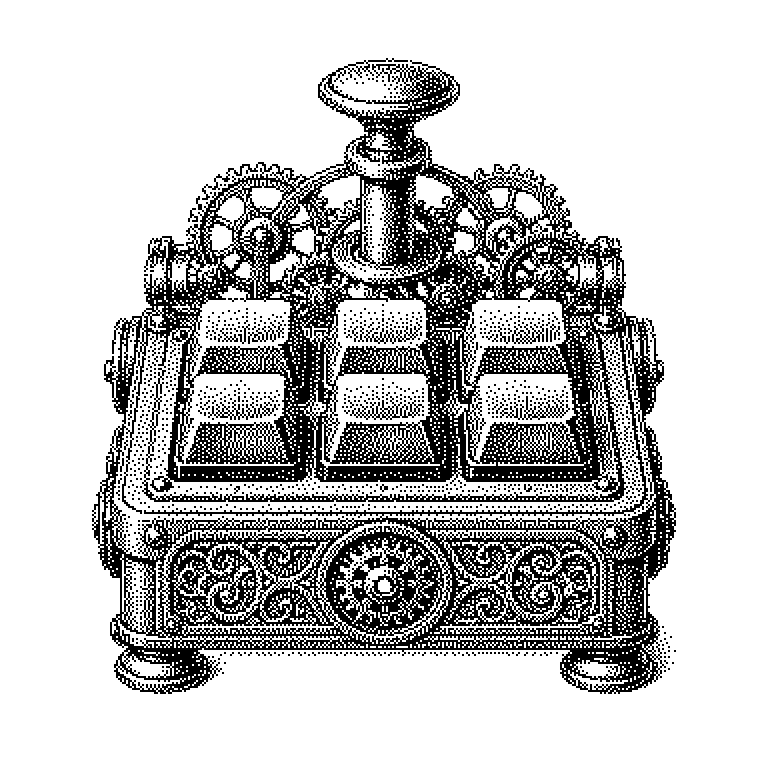
Macro-Pad
A macro-pad is a very small auxiliary keyboard with just a few keys that can be freely assigned to custom commands. A single keypress can then trigger an entire sequence of actions that would otherwise require several steps on the computer.
A macro-pad is a small auxiliary keyboard with usually four to twenty keys. You place it next to your regular keyboard and connect it to the computer via cable or wirelessly. The difference from a normal keyboard: the keys have no fixed meaning. The user decides for themselves what should happen when a key is pressed. That can be a single letter, but more often it’s an entire sequence of commands. Exactly such a stored sequence is called a macro, which is where the name comes from.
When the same motions repeat a hundred times a day
There are many actions on a computer that repeat constantly. Cropping an image, exporting it, and placing it in a folder. Starting a program, opening a project, kicking off the test run. Each individual step only takes seconds. But over the course of a workday, this adds up noticeably, and above all it interrupts concentration.
A macro-pad condenses such chains of steps into a single keypress. This not only saves time but also prevents errors. Anyone performing a sequence by hand will eventually forget a step. A stored sequence does exactly the same thing every single time.
The device is also interesting as an entry point into the technology behind it. A macro-pad is cheap, manageable, and yet a genuine little computer. Many students build one as their first electronics project. In doing so, they learn soldering, programming, and how to work with build plans found on the internet.
What happens between the keypress and the command
Inside every macro-pad sits a tiny chip, a so-called microcontroller. This is a complete miniature computer on a single component, available for just a few euros. It detects which key was pressed and looks it up in its stored table. That table specifies which character sequence it should report to the computer.
The crucial trick: the computer thinks the device is a completely normal keyboard. That’s why no special software is needed on the computer, and the pad works the same way under Windows, macOS, and Linux. If you assign a key the combination Ctrl, Shift, and S, the pad sends exactly those three signals, as if you had pressed them yourself.
You change the key assignments using a program on the computer or via a website in the browser. Common tools for this include free systems like QMK and VIA. Many pads additionally support multiple layers. A layer works like the shift key: if you hold down a certain key, all the other keys take on a second meaning. Eight physical keys can thus cover twenty or more commands.
From the streaming studio to the DIY build kit
The best-known design is the one with small screens under the keys, such as Elgato’s Stream Deck. When streaming video games, it’s used to switch camera angles or overlay graphics. Strictly speaking, this is a macro-pad with extras, since the keys display what they currently do. Because of this, it’s considerably more expensive than a simple model.
Such devices are also common outside the internet world. Graphic designers assign tools from their image-editing software to the keys. Programmers set them up with frequently used commands from their development environment. In video editing and music production, they’ve been around for decades, usually as expensive specialized devices there.
A common misconception is that a macro-pad speeds things up on its own. It only sends keystroke commands. Whether anything useful happens behind that depends entirely on how well you’ve thought through the sequence beforehand. Anyone who hasn’t first considered which actions they really need often ends up with a nice-looking device that serves no purpose on their desk.