MCP Tool
An MCP tool is a clearly defined function that an AI assistant is allowed to call via the Model Context Protocol to do something in the real world – such as reading a file, running a search, or sending an email. Which tools are available is not decided by the AI model itself, but by the server it is connected to.
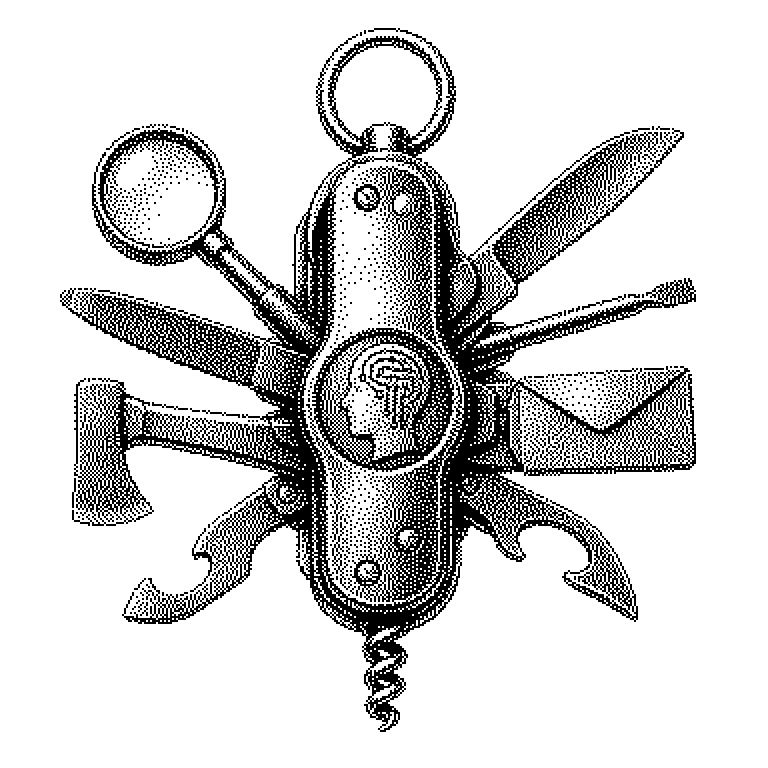
An AI assistant cannot, on its own, send emails, open files, or visit a website. It computes with text — nothing more. So that it can still handle such tasks, it is given tools: precisely defined functions that it calls when needed. The Model Context Protocol, or MCP for short, is an open standard that defines how an AI model finds, understands, and uses these tools. An MCP tool is a single such function — for example, “search the web” or “read file”. The model itself decides when it needs a tool and passes it the required information. The result flows back into the response.
Why MCP tools are what make AI assistants truly useful
Without tools, a language model is limited to whatever flowed into its parameters during training. It cannot know current stock prices, check a calendar, or place an order. With tools, this changes fundamentally. The model turns from a pure text generator into an agent — it acts, instead of merely responding.
Before MCP, every application cobbled together its own interface. A tool written for ChatGPT would not run in Claude or Gemini. MCP creates a common language here. A tool that follows the standard can be used by any compatible model — similar to how a USB device fits any computer that supports USB. This significantly lowers the effort for developers.
This is especially interesting for companies. They can package their internal systems — databases, booking tools, document archives — once as MCP tools and then have them used by various AI assistants, without having to program separate connections for every combination.
Structure and sequence of a tool call
Every MCP tool has three fixed components: a name, a short description, and a list of the inputs it expects. The description is crucial — the model reads it and uses it to decide whether this tool fits the current task. A tool named “search_web” with the description “Searches the internet for current information” will be preferred by the model for a question about today’s weather, not for a math problem.
When the model wants to call a tool, it sends a structured message to the MCP server: tool name plus input values. The server carries out the actual action — meaning it really sends off the search query or reads the file — and sends the result back. The model then processes this result like normal text and builds its response from it. The model itself never leaves its computational space; the server is the bridge to the outside world.
An important difference from simpler systems: the model can also call tools multiple times and in sequence. It can first run a web search, extract a file ID from the result, then open that file, and finally write a summary — all within a single conversational step, without the user needing to intervene in between.
MCP tools in products and headlines
Anthropic, the company behind the AI assistant Claude, published MCP as an open standard in November 2024. Since then, many providers have joined in. Cursor, an AI-powered code editor, uses MCP tools so that the assistant can write directly into files or operate terminals. Development environments like VS Code and platforms like Zapier have also announced or already built in support.
In everyday life, one usually encounters MCP tools invisibly. When an AI assistant in an app independently books a trip or adds an appointment, a tool call is very likely behind it. The user only sees the result, not the technical steps underneath.
In technology news, MCP mostly comes up in connection with the term “AI agent” — that is, AI systems that independently handle multi-step tasks. MCP tools are the link between the thinking model and the acting outside world. Without them, an agent remains a mere planner without hands.