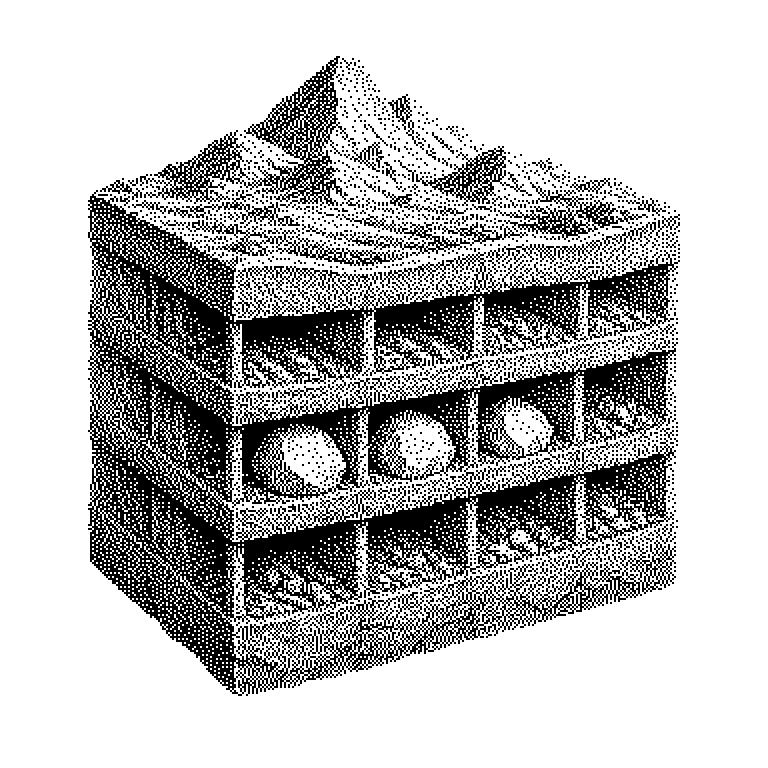
Sparse Checkout
Sparse Checkout is a feature of the version control software Git that allows you to download only part of a repository — i.e., a stored collection of project files — onto your own machine, instead of downloading all the files. This saves time and storage space, especially for very large projects.
Anyone working on a software project normally downloads all of the project’s files onto their machine. For small projects this isn’t a problem. For very large projects — say, at a corporation that manages millions of files in a single archive — just the download alone can take hours and occupy many gigabytes of storage. Sparse Checkout solves this problem: you specify beforehand which folders or files you actually need, and only those are downloaded. The rest stays on the server.
Sparse Checkout in large projects
Modern software projects grow unwieldy quickly. Corporations like Google or Microsoft manage their entire source code — the raw text from which programs are built — in a single, enormous archive known as a monorepo. Such an archive can be terabytes in size and contain hundreds of thousands of subfolders.
A single developer may only need one particular subsection of it. If they still had to download the whole thing, they would lose time and tie up storage for files they will never open. Sparse Checkout frees them from this: they work with their slice as if it were the entire project — without noticing what’s missing.
Which files end up on the machine
Git, the software behind Sparse Checkout, recognizes two states for every file: present or hidden. The user specifies in a configuration file which folder paths they want — all other files remain hidden. Git knows they exist but does not copy them to the local hard drive.
Technically, this happens in two steps. First, Git downloads the so-called history — a list of every change ever made to the project. This is unavoidable, because Git uses it to detect conflicts when two people edit the same file. Then, in the second step, Git copies to the hard drive only the files that are on the selection list. This second step is called checkout — and it is precisely this step that Sparse Checkout restricts to a subset.
If a hidden folder changes on the server, the user doesn’t notice right away. They can adjust their filter at any time and load additional areas without having to set up the project again. This makes Sparse Checkout flexible: you start with little and expand as needed.
Where Sparse Checkout shows up in practice
In AI development, Sparse Checkout is especially common because model projects contain enormous amounts of data — training data, weights (a model’s stored learning results), and documentation often sit together in one archive. Anyone who only wants to look at the program code has no reason to also download gigabytes of weights.
Platforms like GitHub and Hugging Face — a platform where AI models are shared — support Sparse Checkout directly. There, the term is mostly encountered in guides explaining how to selectively download individual model versions or configuration files without touching the rest of the archive.
A common misconception: Sparse Checkout is not a security feature. It does not hide files from unauthorized users — anyone with access to the archive can lift the filter at any time and download everything. It is purely a tool for efficiency, not for access control.