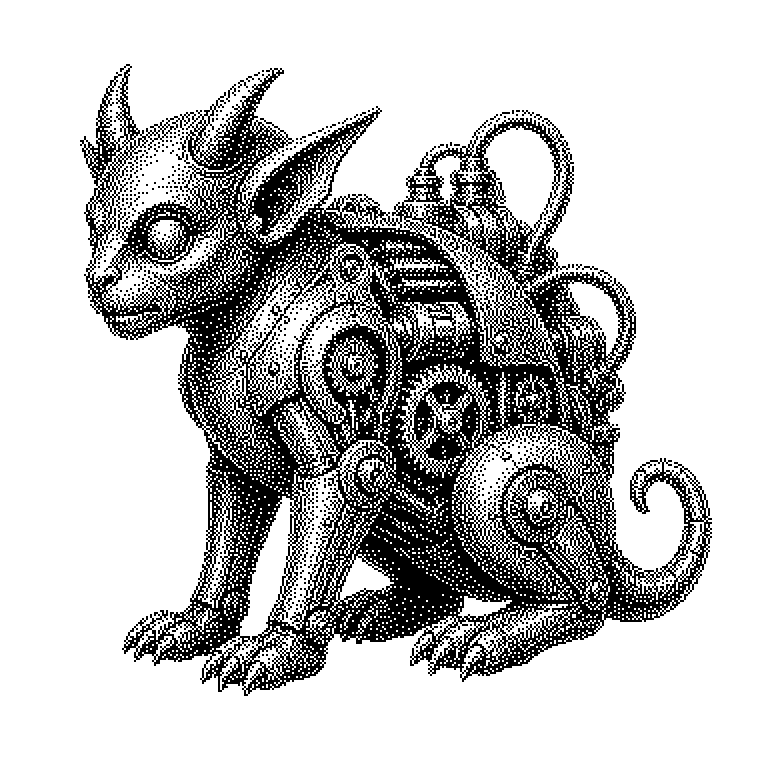
Daemon
A daemon is a program that runs permanently in the background of a computer and waits for tasks, without any window or user interface being visible. Web servers, print queues, and automatic updates are typically handled by such programs.
Most programs you’re familiar with, you start yourself: you click an icon, a window opens, you work with it and then close it again. A daemon works differently. It usually starts automatically when the computer boots up, and then keeps running continuously afterward. It has no window and no buttons, but instead waits silently until it’s needed. Only when a request comes in, such as a print job or access from the internet, does it become active. The name originates from the Unix world and does not refer to an evil spirit, but to an invisible helper in the background.
The invisible basic equipment of a server
Without daemons, the internet in its current form would not be possible. A website is delivered by a program that waits for requests around the clock. Nobody sits in front of this computer and restarts the web server every time a visitor comes by. Exactly this constant readiness is the task of a daemon.
Even on a normal laptop, dozens of such programs are constantly running. They check whether updates are available, manage the WiFi connection, synchronize files with a cloud, or keep the clock accurate. You notice nothing of this as long as everything works. If a daemon fails, this often manifests in symptoms whose cause is hard to find: the printer doesn’t respond even though it’s switched on.
For data center operators, there is a second crucial point. Because daemons run permanently, they permanently consume memory and computing time. Across thousands of servers, this adds up to real costs. That’s why careful consideration is given to which background programs are actually necessary.
From startup to permanent readiness
A daemon is not started by the user, but by a management instance of the operating system. Under Linux, this central startup program is usually called systemd. It knows a list of all services that should run at boot time and takes care of their order. If a service crashes, systemd can automatically restart it.
Classically, a daemon detaches itself at startup from the window from which it was called. Technically, this window is called a terminal, meaning pure text input without graphics. This detachment is important: otherwise the service would die along with the session as soon as the user logs off. The price for this is that there is no longer a screen on which messages could appear.
Instead of displaying messages, daemons therefore write their output to protocol files, so-called logs. Anyone who wants to know why a service isn’t working looks there. A daemon should not be confused with an ordinary program that one simply lets keep running in the background. A daemon is built from the outset to work without a user and without an interface.
Where the term appears in news and products
The term most commonly appears in the names of programs. Many daemons carry an appended d: sshd allows remote access to a server, httpd delivers web pages, dockerd manages software containers. Anyone who sees an error message with such a name now knows that a background service is meant.
Daemons are also ubiquitous in the field of artificial intelligence. A language model that answers requests via an interface is provided by a permanently running server process. This keeps the model in memory so that it doesn’t have to be reloaded with every question. This is exactly what makes the difference between an answer in seconds and a wait of minutes.
Under Windows, incidentally, the same principle is called a service; on Apple systems, one speaks of launch agents and launch daemons. The names differ, but the idea is identical. When reports about security vulnerabilities mention a vulnerable service, they are almost always referring to such a background program. Because it runs constantly and is often reachable from the network, it is a particularly rewarding target for attacks.