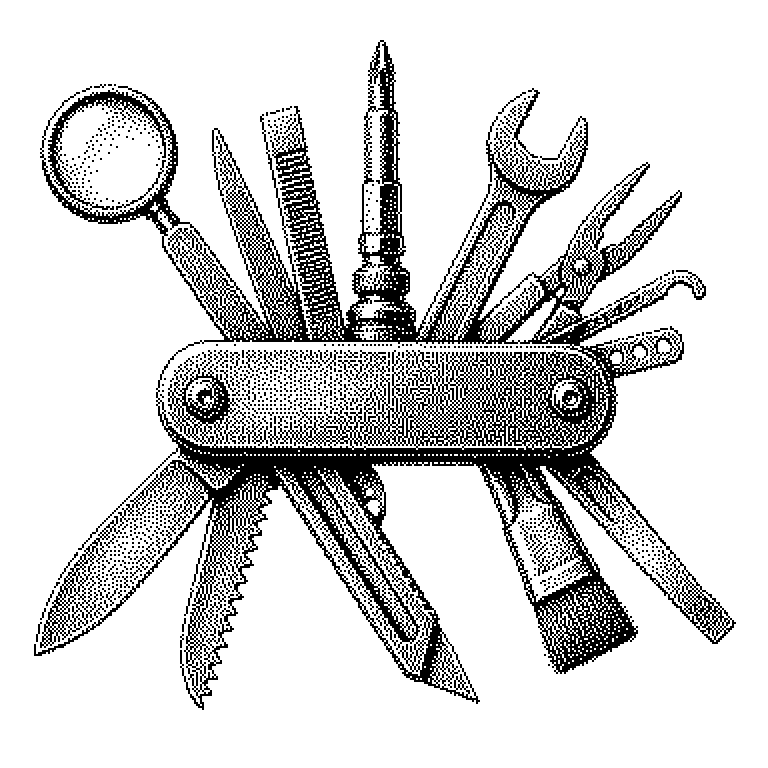
DevTool
A DevTool is a tool program that helps people write, test, and publish software. It is not a product for end customers, but a work instrument for the people who build programs.
Software doesn’t come into being on its own. People write instructions for it in an artificial language that a computer can execute. These people are called developers, and their instructions are called code. A DevTool is a program that supports exactly this work: writing code, finding bugs, testing the result, and finally delivering it to users. The abbreviation stands for “Developer Tool.” The difference from ordinary software lies in the target audience: a weather app is aimed at everyone, a DevTool only at the people who build such apps.
Why tools determine the speed of software
A craftsman with a dull saw needs many times longer for the same job. With software, the effect is even greater. A modern project can quickly consist of hundreds of thousands of lines of code. Without good tools, it would be impossible to keep track of it all or find a single bug.
That’s why DevTools are also economically interesting. Developers are among the most expensive employees at a technology company. If a tool saves each of them an hour a day, it pays off very quickly. Companies pay recurring fees for such tools per person and per month. This is why stock markets and financial news often report on DevTool vendors, even though hardly any ordinary consumer has ever seen their products.
A second point is reliability. Tools automatically check code for typical errors and security vulnerabilities. A human can easily overlook such things after eight hours of work. A program checks the rule just as precisely the thousandth time as the first.
From editor to deployment
DevTools cover various stages. At the beginning is the editor, a writing program for code. It colors commands, completes half-typed words, and immediately marks typos in red. Well-known examples are Visual Studio Code or JetBrains programs. You can also write code in a plain text program, but it’s much more tedious.
Next come tools for collaboration. The most important is version control, usually with the program Git. It records every change along with date and author. This allows a team to work on a project simultaneously, and a failed restructuring can be undone. Platforms like GitHub or GitLab are built on top of this.
At the end comes deployment. So-called build and deployment tools translate the code into a runnable form, automatically run tests, and push the result onto the servers. If no error comes back, the new version is online within minutes. In between are debuggers, which pause a program and examine it step by step, as well as monitoring tools that report crashes during live operation.
AI assistants as a new class of tools
The most striking change of recent years is DevTools with artificial intelligence. GitHub Copilot, Cursor, or Claude Code suggest entire sections of code, explain unfamiliar code, and search for bugs. They are based on language models, i.e., AI systems that have learned from huge amounts of text which sequence of characters is likely to come next.
A common misconception is that such tools make developers obsolete. So far, something different tends to happen: routine parts go faster, while responsibility for design and review remains with the human. Suggested code can look plausible and still be wrong.
Anyone who wants to see the tools themselves needs no training. Every browser contains a built-in version under the name “Developer Tools,” usually accessible via the F12 key. There, you can view and change the structure of any web page. In business news, however, the term comes up in connection with company acquisitions and funding rounds, for instance when a provider of developer tools is bought for billions.