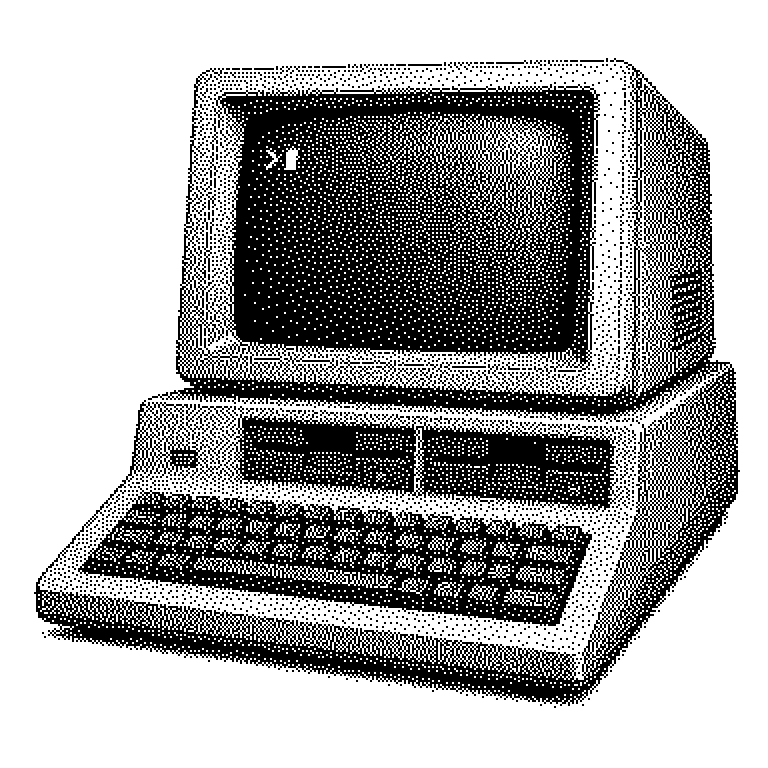
DOS
DOS is a family of simple operating systems that ran on PCs from the 1980s onward and was operated entirely through typed commands. The best-known representative is Microsoft's MS-DOS, the predecessor of Windows.
Every computer needs a program that starts the machine in the first place and manages the other programs. Such basic programs are called operating systems; well-known examples today are Windows, macOS, or Android. DOS was such an operating system for the first personal computers, meaning the office machines and home computers of the 1980s. The abbreviation stands for “Disk Operating System,” roughly translated as “operating system for disks.” The name comes from the fact that its main task was to manage data on the magnetic disks common at the time. DOS was operated without a mouse and without windows: you typed commands into a line on a black screen and pressed Enter.
How DOS shaped the PC market
In 1981, IBM released its first personal computer and needed an operating system for it. Microsoft supplied it while retaining the right to sell the same software to other manufacturers as well. These contract details are considered today to be one of the most consequential decisions in computing history. Because soon many companies were building IBM-compatible machines, and MS-DOS ran on almost all of them.
This created a unified market: anyone who wrote a program could sell it to millions of users without having to adapt it for each type of machine. Microsoft earned money from every PC sold and grew from a small software house into a corporation. The early versions of Windows were initially just a graphical interface running on top of DOS. It was not until Windows XP in 2001 that DOS finally disappeared as the underlying foundation.
For today’s debates, this is an instructive pattern. Whoever controls the platform on which everyone else builds ultimately earns more in the long run than the hardware manufacturers. The same logic is discussed today with regard to app stores, cloud services, and AI models.
Command line instead of windows
After switching it on, DOS displayed a short string of characters like C:\>, the so-called prompt. Behind it, you typed a command. “dir” listed the contents of a folder, “copy” copied files, “del” deleted them. Anyone who didn’t know the right command by heart got nowhere, because there were no icons to click on.
Technically, DOS was deliberately simple. At its core, it could only run one program at a time; there was no real multitasking. Working memory was limited to a usable range of 640 kilobytes, roughly a thousandth of what a modern smartphone has. Protection mechanisms were also lacking: every program was allowed to access the hardware directly. A bug in a game could therefore crash the entire machine.
However, this simplicity had an advantage. Programmers could control graphics and sound directly, squeezing the last bit of performance out of weak hardware. Many classics in gaming history came about for exactly this reason under DOS.
What remains of DOS today
As a complete operating system, DOS has disappeared from everyday life. But its interaction concept lives on. The Windows command prompt still understands commands like “dir” or “cd” to this day. Three-letter file extensions, such as .txt or .exe, also date back to this era.
More important is the underlying principle. Even today, professionals do a lot of work in text consoles, for instance when programming or managing servers. Anyone starting an AI model on a data center machine usually types commands rather than clicking. The reason is the same as back then: commands can be written down, repeated, and automated.
DOS can also still be encountered in niches. Free recreations like FreeDOS keep old industrial machines running whose control software was never replaced. Emulators like DOSBox let old games run on modern devices. And in business news, DOS comes up when discussing Microsoft’s early days. One should not confuse the term with DoS, written with a lowercase o: that is a type of attack in which servers are flooded with requests.