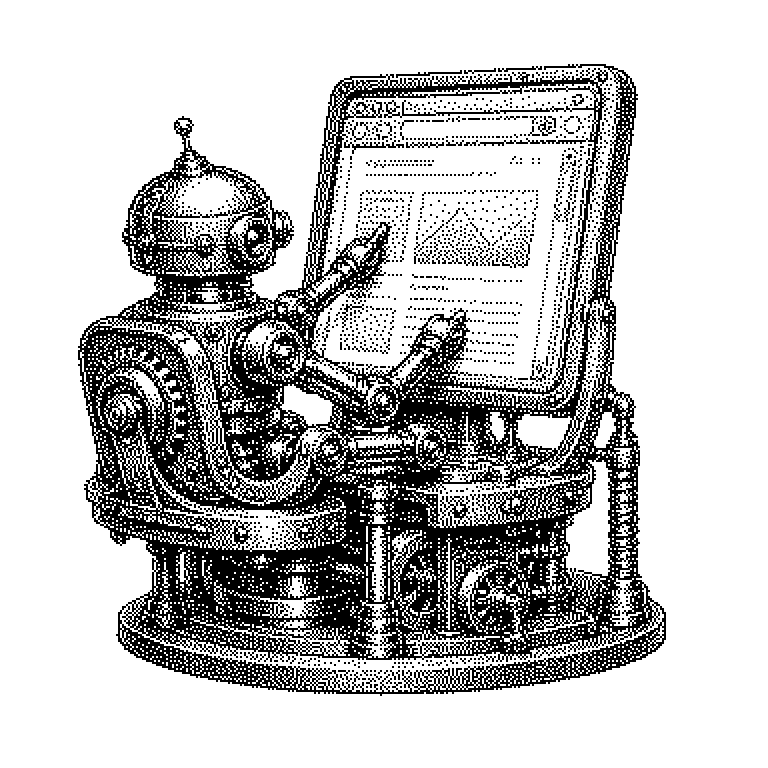
Browser Automation
Browser automation means that a program controls a browser window and clicks, types, and scrolls there like a human. It is used for software testing, collecting data, and increasingly for AI assistants that operate websites on their own.
A browser is the program used to open web pages, such as Chrome, Firefox, or Safari. Normally, a human operates it: clicking, typing, scrolling, waiting. In browser automation, another program takes over. It opens the page, finds the input field, writes text into it, and presses the button. To the website, this looks almost as if a person were sitting in front of it. The difference lies in speed and stamina: such a script can execute the same sequence a thousand times in a row without getting tired.
Why companies let machines handle the clicking
The oldest and most important reason is testing. Large websites change every week, often several times a day. After every change, someone has to check whether login, shopping cart, and payment still work. Doing this by hand would quickly become unaffordable. Automated tests instead click through hundreds of workflows within minutes and report where something is stuck.
The second reason is data collection. Much of the information on the web exists only on websites and not in an open interface, i.e., a technical access point through which programs could query data directly. Price comparison portals, real estate portals, and financial services therefore have programs call up pages and read out the displayed figures. This process is called web scraping. Browser automation is the variant of this that also copes with pages whose content only appears after loading.
A third reason has newly emerged: AI assistants that are meant to complete tasks independently. A language model can write text, but on its own it cannot achieve anything on the web. Only through an automated browser can it fill out a form or book an appointment. For providers like OpenAI, Anthropic, or Google, this is the path from chatbot to an acting tool.
What happens between script and website
Technically, this works via a remote control feature built into modern browsers. A control program sends commands such as “open this address” or “click on this element” and receives back what is on the page. Well-known tools for this are called Selenium, Playwright, and Puppeteer. They are available for free and are used by almost all major software companies.
For the program to hit the right button, it needs an address for every element. In the background, a website consists of a nested tree of building blocks, the so-called DOM. Within it, the script describes a path, such as “the button labeled Sign in.” If the operator changes the label, the script can no longer find the button. This is precisely what causes automated workflows to fail most often in practice.
AI agents therefore sometimes take a different approach. They take a screenshot of the page and let a model decide where to click. This is more robust against small redesigns, but slower and more expensive, because computation is required for every step. Both approaches are currently often combined.
Bots, blocks, and the question of the rules
In everyday life, one encounters this topic from the other side: through blocks. When a website asks whether you are a robot, or shows an image puzzle, that is a defense measure against automated access. Such tests are called CAPTCHA. Providers like Cloudflare make money by distinguishing real visitors from scripts.
Legally, the situation is not uniform. Automatically reading publicly visible pages is permissible in many cases. Nevertheless, many providers' terms of use prohibit it, and anyone who overloads servers with requests or bypasses login barriers is clearly moving into problematic territory. In court, this exact boundary has repeatedly been the issue in recent years.
In the news, browser automation currently appears mainly in connection with AI agents. The reports are about assistants meant to shop or do research. A common misconception here: such agents do not have secret access to the web. They click through the same pages as you do, just faster and without a break.