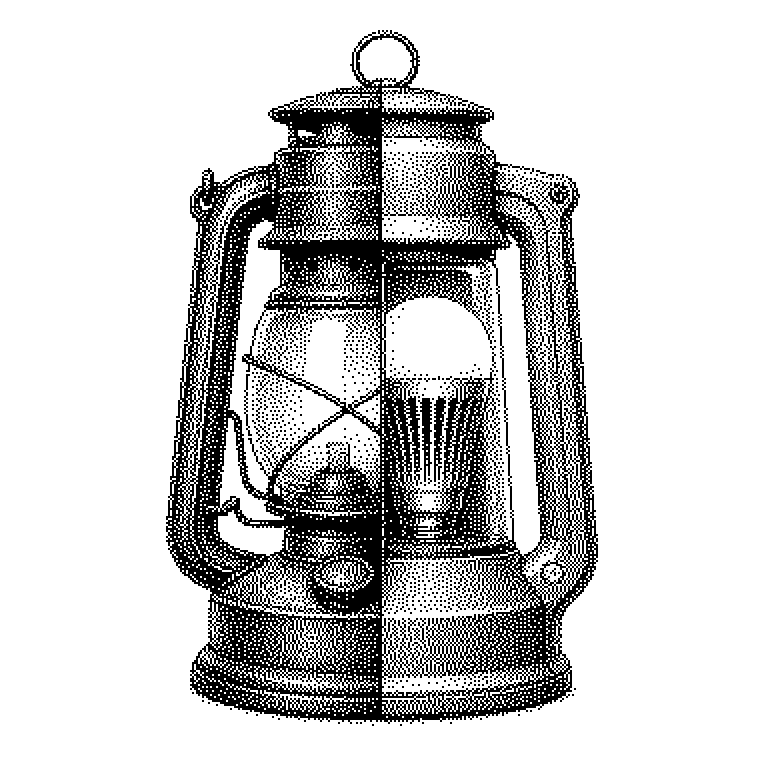
Backward Compatibility
Backward compatibility means that a new version of a product continues to work with older files, devices, or programs. It ensures that an update doesn't break anything that used to work before.
Backward compatibility refers to a property of new versions: they continue to work with what already existed before. An example from the living room: a new game console still plays games from its predecessor console. An example from the desk: a current word processor can still open a file from 2009. Anyone who releases a new version and no longer supports the old things breaks backward compatibility. Experts then speak of a breaking change, meaning a change that destroys existing usage.
Why users fear updates
Software rarely stands alone. It’s tied to files, to devices, to other programs. If an update severs these connections, the damage outweighs the benefit of the new features. This is exactly why many companies hesitate for years to update, even though the new version would be better.
For businesses, this is a matter of money. A hospital replacing an administrative system must still be able to read all its old data. If that’s not possible, the transition costs months of work. Providers that guarantee backward compatibility therefore sell more easily. This is a solid selling point, not just a technical detail.
But there’s also a downside. Anyone who carries every old quirk forever accumulates baggage. Developers call this technical debt: the code becomes cluttered because it has to handle ten old special cases. At some point, a clean cut becomes more sensible than endless consideration.
Version numbers and transition periods
The most common technique is a translator running in the background. The new program recognizes from the file format that something old is present. It then internally converts the old data into the new format. The user notices nothing; the work happens invisibly.
For interfaces between programs, a clear version number helps. The common scheme is 3.1.4, where the first number denotes the major version. If this first number increases, things are allowed to be dropped. If it stays the same, everything old must continue to work. This way, developers can tell at a glance whether an update is risky.
If a feature is eventually discontinued, this usually happens in stages. First, the provider marks it as outdated, known in technical jargon as deprecated. It continues to work but issues a warning. Only after a grace period of often one to two years does it actually disappear. This announcement is the real core of fair backward compatibility.
From charging cables to AI models
In everyday life, the term crops up wherever plugs and formats meet. USB ports accept older devices, albeit more slowly. New Bluetooth headphones pair with older phones. And a PDF from twenty years ago can still be opened. None of this is a given — it’s the result of deliberate development work.
In the AI world, the topic comes up with model versions. Companies offer their language models through an interface that other programs interact with. If this interface changes, thousands of applications built on it break. Providers therefore often keep older model versions running in parallel for months.
A common misconception: backward compatibility is not the same as forward compatibility. Backward means the new understands the old. Forward means the old can cope with the new, for instance when an older program version can at least partially open a newer file. The second case is considerably rarer and harder to achieve.