QEMU
QEMU is a free program that recreates an entire computer as software. Inside it, a second operating system can be started – even one written for a completely different kind of processor.
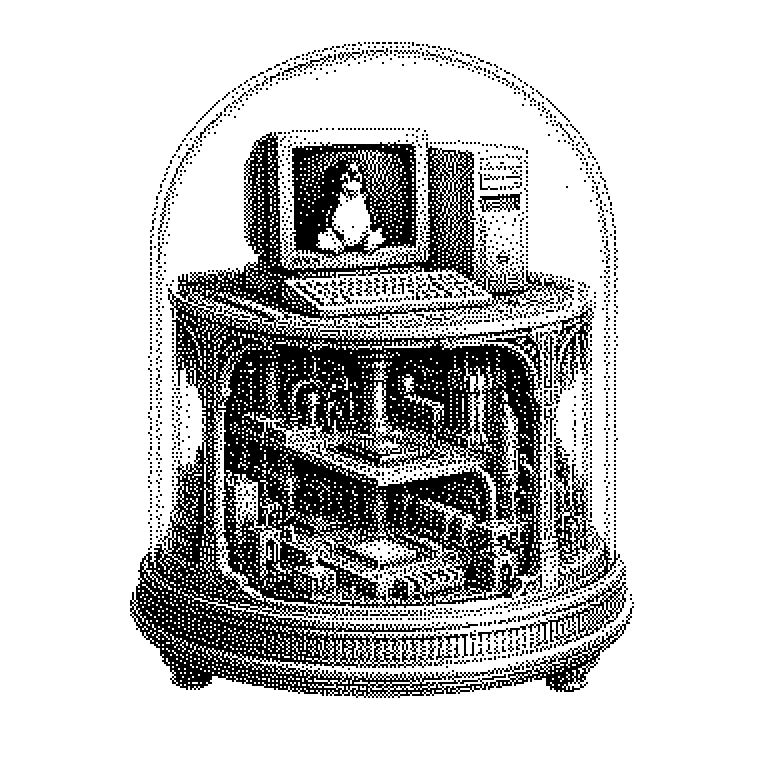
QEMU is a freely available program that imitates a complete computer. It fakes everything a real machine needs: processor, memory, hard drive, network card, screen. On this recreated computer, one can then install an entirely normal operating system, for example Windows or Linux. To that operating system, everything looks real – it doesn’t notice that it’s running inside a program. The name stands for “Quick Emulator”; an emulator is exactly that: software that imitates foreign hardware. QEMU has existed since 2003 and today it is one of the most important building blocks of the entire cloud technology stack.
Why a recreated computer is useful
The most obvious advantage is security. Whatever happens inside a recreated computer stays inside it. Anyone wanting to examine a suspicious attachment or a piece of malware opens it in QEMU. If something breaks in the process, you simply delete the file containing the virtual computer and start over. The real machine remains untouched.
The second advantage is independence from the hardware. Processors come in different designs, and programs usually only run on one of them. Phones and newer Macs use ARM processors, while classic PCs use x86. QEMU can imitate one design on top of another. This way, a developer can test software for a device they don’t even own.
A third point is important for the economy: data centers no longer sell whole computers, but shares of them. On one powerful server, dozens of recreated machines run simultaneously, each for a different customer. This very division of resources is handled by QEMU in many data centers. Without this technology, cloud providers wouldn’t exist in their current form.
Translating instead of computing yourself
A processor understands only very simple instructions, such as “add these two numbers.” QEMU reads the instructions of the guest system and translates them into instructions that the real processor understands. To keep this from becoming too slow, QEMU remembers the results: a section that has been translated once is stored and reused directly the next time it runs. This method is called dynamic translation.
Translating still costs time, though. That’s why there is a special case: when guest and host share the same processor design, translation becomes unnecessary. Then the guest system is allowed to compute directly on the real processor. On Linux, this is handled by an additional feature called KVM, which sits inside the operating system kernel. The combination QEMU/KVM thus achieves almost the full speed of the real hardware.
A common misconception is that QEMU and KVM are competitors. They complement each other: KVM speeds up the computation, QEMU provides the simulated devices – hard drive, graphics, network. Without QEMU, the guest system would have nothing to connect to.
QEMU in the cloud, in development, and in retro gaming
Most often, one encounters QEMU without noticing it. Anyone renting a cheap Linux server from a European hosting provider typically gets a QEMU machine. Even large cloud offerings rely on this technology or on further developments of it. Amazon's Firecracker, for instance, emerged from QEMU code, but was radically slimmed down so that thousands of instances can start in fractions of a second.
In software development, QEMU is a standard tool. The Android emulator in Google's development environment is built on it – this is how apps are tested on a simulated phone. Anyone writing software for small devices such as routers or sensors also tries it out in QEMU first. And computer security experts dissect malware inside it, because they can observe its behavior step by step.
Finally, there is the hobbyist domain. Old operating systems and games from thirty years ago no longer run on today’s hardware, but they do in QEMU. Some projects have even modified QEMU so that it runs directly in the web browser. One simply opens a webpage and starts a complete Linux system inside it.