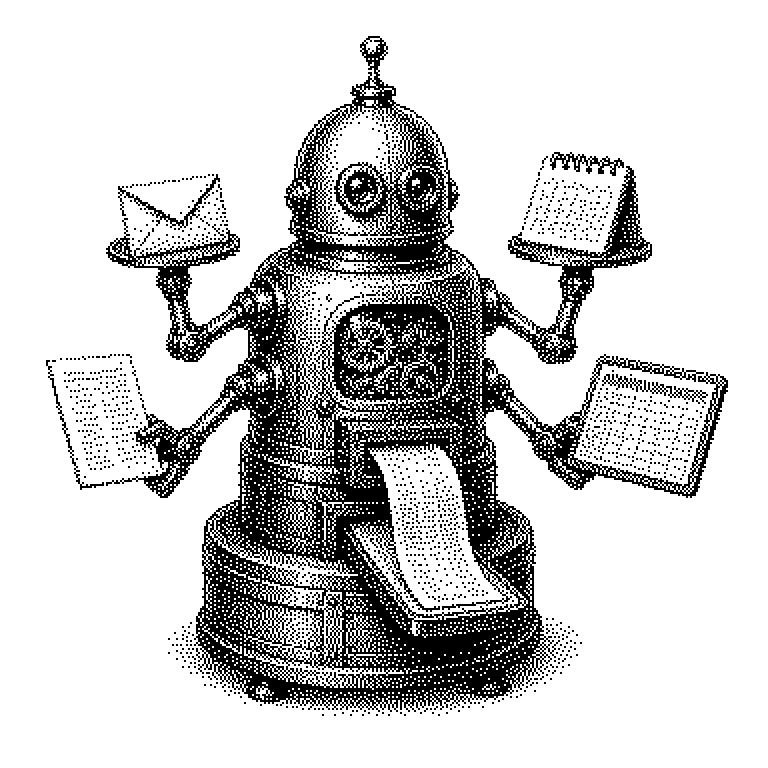
Workspace Agents
Workspace Agents are AI programs that independently carry out tasks within a company's office software — such as answering emails, scheduling appointments, or analyzing spreadsheets. They don't wait for every single command, but instead break a task down into steps and carry it out.
Most people today work within a collection of programs: email, calendar, chat, text documents, spreadsheets, file storage. This collection is called a workspace. A workspace agent is an AI program that becomes active within this environment on its own. You give it a task in plain language, for example: Summarize the feedback on the project and send it to the team. The agent then searches for the relevant messages itself, writes the text, and sends it out. The difference from an ordinary chatbot lies exactly there: a chatbot only responds, an agent acts.
Why companies want to hand off their office work to software
In every office there is work that nobody enjoys doing but that eats up a lot of time. Coordinating appointments across five calendars. Transferring numbers from a spreadsheet into a presentation. Searching for the file someone shared three months ago. Such tasks are easy to describe but tedious to carry out. This is exactly where workspace agents come in.
For providers, this is a big business. Microsoft, Google, and Salesforce sell their agents as an add-on to existing office packages. Because companies rarely switch their software, this generates very reliable revenue. That’s why workspace agents appear so frequently in business news — they are one of the first ways in which AI can be turned directly into revenue.
But there is also a downside. An agent that sends emails on its own can send mistakes on its own. And because it needs access to all company data, it is an attractive target for attacks. Many companies therefore initially let agents only create drafts that a human then approves.
From task to executed action
At the core of a workspace agent is a language model. This is a program that has been trained on huge amounts of text and can understand and generate language. On its own, this model could only output text. To be able to act, it is given tools: small interfaces to the calendar, to the inbox, to file storage. The model decides which tool to use and when.
The process is a loop. The agent reads the task and considers what the first step should be. It calls a tool, for example the calendar search. It reads the result, then plans the next step. This repeats until the task is done. You can picture it like a new intern working through a to-do list, checking after each step how far along they are.
An important building block is permissions. The agent may only see and do what the human it works for is also allowed to see and do. Otherwise it could accidentally copy salary data into a team message. Another common misconception is that an agent thinks along like a colleague. It follows patterns from texts and has no real understanding of the consequences of its actions.
Where these agents are already built in
The best known is Microsoft Copilot, which is built into Word, Outlook, and Teams. Google offers Gemini within Gmail, Docs, and Sheets. Salesforce markets its version under the name Agentforce for customer contact. Smaller providers such as Notion or Slack have also built their own agents into their programs.
In everyday use, you usually encounter them inconspicuously. A summary at the top of a long email thread. A suggestion for a time slot in the calendar. An automatically generated presentation from a spreadsheet. Anyone working at a company has often already used such features without calling them an agent.
News reports mostly focus on numbers: how many companies have signed up for the agents and whether they actually save working time. Studies on this have so far been inconsistent. The only certainty is that almost all major software makers are betting on it.