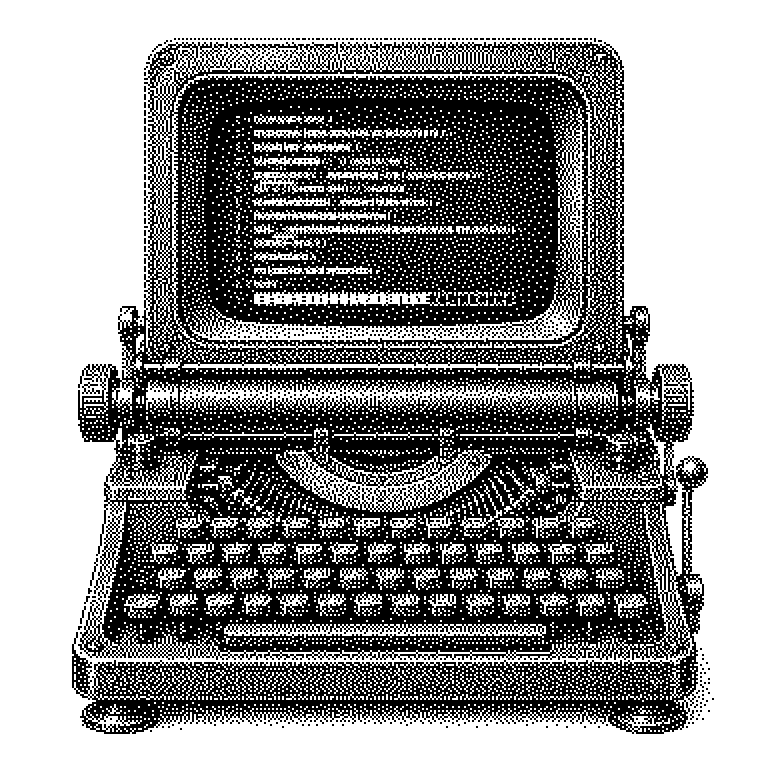
Terminal User Interface
A Terminal User Interface (TUI) is an interface made entirely of text within a terminal window – with menus, lists, and progress bars, but without a mouse, windows, or graphics. Developer tools and AI coding assistants use this form because it is fast, resource-efficient, and usable even via remote access to distant machines.
Most programs are operated with a mouse: you click on buttons, resize windows by dragging, choose from an icon bar. But there is a second kind of operation. It runs in a terminal, that is, a plain window into which you type commands and in which the computer responds with lines of text. A Terminal User Interface, TUI for short, builds a genuine interface right within this text window: there are menus, lists, frames, and progress bars – except they consist of letters and special characters instead of graphics. Everything is controlled via the keyboard, usually with arrow keys, tab, and shortcuts like Ctrl+C. So it is more than merely typing commands, but less than a graphical program with a mouse.
Why developers won’t let go of the text window
The most important reason is remote access. Professionals rarely work only on their own laptop. Their program runs on a server, that is, a computer in a data center that has no screen. You connect to such a machine via a pure text connection. A graphical interface wouldn’t even be available there – a TUI works right away.
Added to this is speed. Text transmits in tiny amounts of data, even over a poor internet connection. A TUI starts in a fraction of a second and barely needs any memory. Anyone who switches between tools all day long saves a lot of time this way. Furthermore, keyboard shortcuts can be pressed faster than a mouse can be moved to a button.
A third point is automation. Text programs can easily be built into scripts, that is, small programs that carry out work steps on their own. Graphical programs are poorly suited for this, because clicks are hard to imitate. That is why the terminal remains the first choice in software development, in server administration, and increasingly in AI tools.
How letters become menus and frames
A terminal is basically a grid of character positions, for example 80 columns wide and 24 rows tall. A TUI treats this grid like a drawing surface. It decides, for each position, which character should appear there. Frames are made from line-drawing characters, a progress bar from a row of solid blocks. You can picture it like painting on graph paper: each little square gets exactly one piece of content.
So that the image doesn’t just scroll away downward, the program uses special control sequences. These are short, invisible strings of characters that give the terminal instructions: place the cursor at row 5, column 12. Color the following text red. Clear the screen. This language is called ANSI escape codes and has remained essentially unchanged since the 1970s.
Programmers do not write these sequences themselves. They use libraries, that is, ready-made collections of code that handle the tedious work. Classic is ncurses; more modern are tools like Textual or Bubble Tea. They provide ready-made components right away: input fields, tables, scrollable lists. The program only states which components it needs, and the library takes care of every single character.
TUIs in AI assistants and everyday tools
TUIs are currently most visible in AI coding assistants. Tools like Claude Code, Gemini CLI, or OpenAI Codex CLI run exactly this way: you type a task into the terminal, watch the answer take shape there, confirm changes with a keystroke. This is not a step backward, but a deliberate choice. This way the assistant sits directly where the programmer works anyway – alongside their files and commands.
You also encounter TUIs in system tools. htop shows in colored bars how hard the processor is currently working. The program top belongs to almost every Linux system. The text editor Vim and the management tool lazygit work the same way. Even the installation programs of some operating systems consist of blue text menus with frames.
A common misconception is that TUI and command line are the same thing. With a pure command line, you enter a command, get text back, and are done. A TUI, by contrast, stays on the screen, updates itself, and reacts to keystrokes. It is a running interface, not a single call. That is why the term appears in job listings and product announcements wherever usability without graphics is being promised.