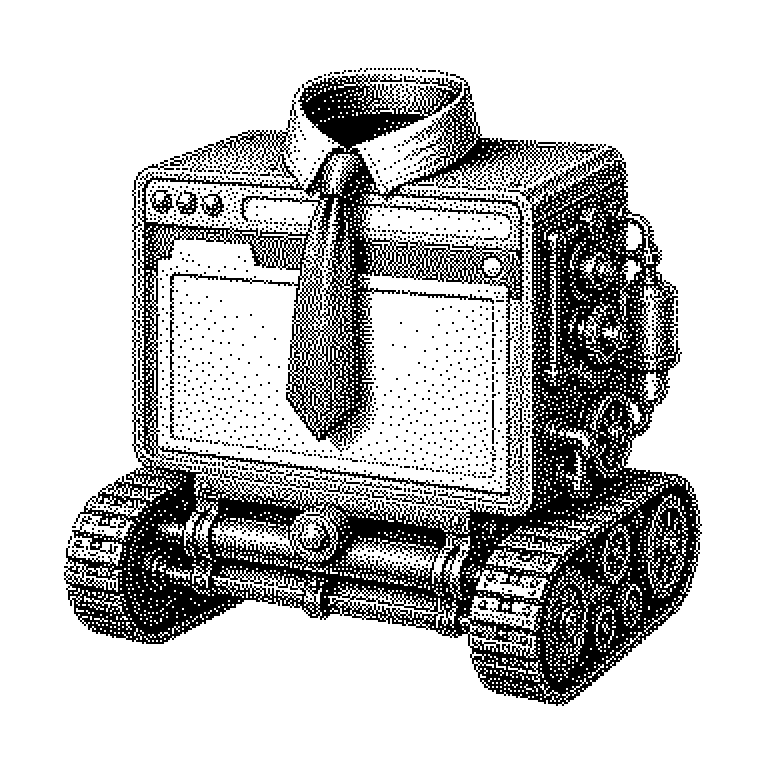
Headless Mode
Headless mode is the operating mode of a program without a visible user interface: it runs in the background and is controlled only through commands. This is especially important for browsers, which use it to automatically load, test, or read out web pages.
Most programs have an interface with windows, buttons, and menus. You click on them, and the program reacts. In headless mode, this exact interface is missing. The program still runs completely, but invisibly in the background. It is then controlled not with a mouse, but through text commands or by another program. “Headless” literally means “without a head”: the head, meaning the visible part, is missing — the body keeps working.
Why machines don’t need buttons
A user interface costs computing power. Every window has to be drawn, every animation has to be calculated. For a human, this is necessary; for another program, it is not. If the interface is removed, the same task is completed significantly faster and with less memory. With a thousand operations per hour, this makes a big difference in costs.
There is also a practical reason. Programs often don’t run on a laptop but on a server in a data center. Such a server has no screen attached at all. Nobody could see an interface there anyway. So everything that runs permanently in a data center must function without one.
A common misunderstanding persists: headless does not mean stripped-down. A browser in headless mode understands the same web pages as the regular one, executes the same program parts, and can even generate screenshots of a page that it never actually displays itself.
Control by command instead of by click
Instead of clicking, one writes a small control program, a so-called script. It specifies step by step what should happen: open a page, type into a text field, press a button, save the result. The script communicates with the program through a fixed interface. The best-known tools for this are called Playwright, Puppeteer, and Selenium.
Internally, almost everything happens as usual. The browser loads the page, calculates where each element would be positioned, and executes the page’s program code. Only the last step is omitted: displaying it on a screen. That’s why the script can still ask whether a button would be visible or what text appears at a certain spot.
You can picture this like a theater play without an audience. The actors speak all their lines, walk all their paths, and hit all their cues. Only nobody is watching, and the lights stay off. A recorder notes on the side what happened. This record is the result in the end.
From automated testing to AI agent
Most commonly, headless mode is found in automated testing. Before a new version of a website goes live, a script clicks through a hundred workflows: logging in, filling the shopping cart, paying. If it finds an error, the version does not go live. The same principle is used when scraping web pages, for instance to collect public prices or exchange rates.
The term surfaced more frequently again in AI news starting in 2024. So-called agents are programs that act on their own on the web upon instruction — researching, filling out forms, booking. They usually do this via a browser in headless mode. The agent doesn’t see images of buttons; it reads the structure of the page as text.
The term is also used somewhat more broadly. With a headless CMS, a website’s content is stored in a database without a finished design and is retrieved via an interface. A server without a screen is likewise called headless. It always means the same thing: the technology does the work, and someone else takes care of the presentation.