GUI
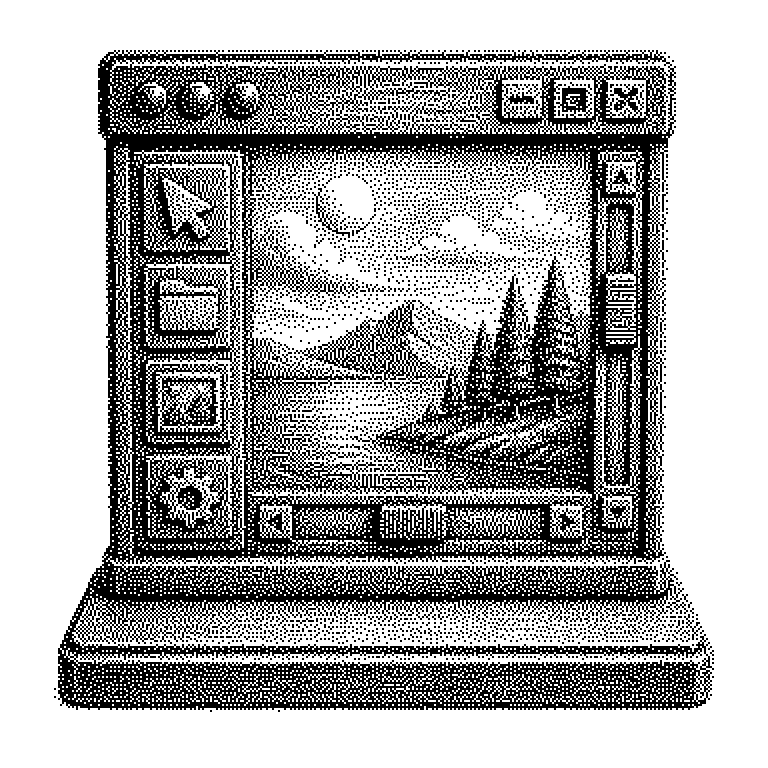
GUI stands for "Graphical User Interface," meaning the graphical user interface of a program. You control the computer via visible elements such as windows, icons, and buttons instead of typed commands.
A computer by itself only understands commands in text form. In the past, you had to type these commands character by character, for example to delete a file. A GUI, pronounced “gooey” or spelled out as “G-U-I,” places a visible layer over this technology. Instead of text, you see windows, small pictures for programs, and buttons to click. So you operate the device with a mouse, finger, or trackpad, not with memorized text commands. The abbreviation stands for the English term “Graphical User Interface,” in German: grafische Benutzeroberfläche.
Why almost no one types commands anymore
The graphical interface brought the computer out of data centers and into living rooms. Anyone using text commands has to know what commands even exist. An interface with icons, by contrast, shows the possibilities on its own. You recognize them instead of having to remember them. This exact difference determines whether a device is usable for millions of people.
One example makes this clear. To move a file into another folder, you type a command in the command line with two complete path specifications. In a GUI, you simply drag the file’s icon into another folder. Both achieve the same result, but only the second can be done by someone without instructions.
Economically, this was a turning point. The success of Apple and Microsoft in the 1980s and 1990s relied heavily on the fact that their systems could be operated graphically. Even today: a good interface often determines a product’s success more than the technology behind it.
Windows, icons, and the click behind them
A graphical interface consists of recurring building blocks. These include windows, menus, icons, buttons, input fields, and sliders. These building blocks are structured the same way in almost every program. That’s why you can usually operate a new program at least somewhat right away.
Technically, a translation happens with every click. The program keeps track of which element is located at which screen position. Clicking there triggers what’s called an event, i.e., a reported action. The program looks for the matching response and executes, in the background, exactly the command you would have typed yourself in the past. The interface is thus a shell, not a different kind of computer.
A common misconception is that text commands are outdated. Professionals continue to use the command line because it can be automated. You can rename a hundred files with a single line, which would take forever by mouse click. GUI and command line thus complement each other rather than replacing one another.
From smartphone apps to the chat window
Every app on a smartphone is a GUI, as is the computer’s home screen. The screen in a car, the ticket vending machine, and the TV’s menu navigation also belong to this category. The term itself rarely comes up in everyday life, but the thing it describes is constantly present. If an interface is entirely absent, this is called a program without a GUI, one that runs only via commands or interfaces.
In AI news, the term currently appears especially often in two contexts. On one hand, some say chatbots represent a new mode of interaction: you describe your goal in plain language instead of searching for buttons. On the other hand, companies are working on programs that operate a GUI themselves. Such systems see the screen, recognize buttons, and click them to complete tasks.
This is remarkable because it represents a reversal. The graphical interface was invented for humans because machines handle text better. Now machines are learning to use the human interface. The reason is practical: many programs have no open technical interface, but all of them have a screen.