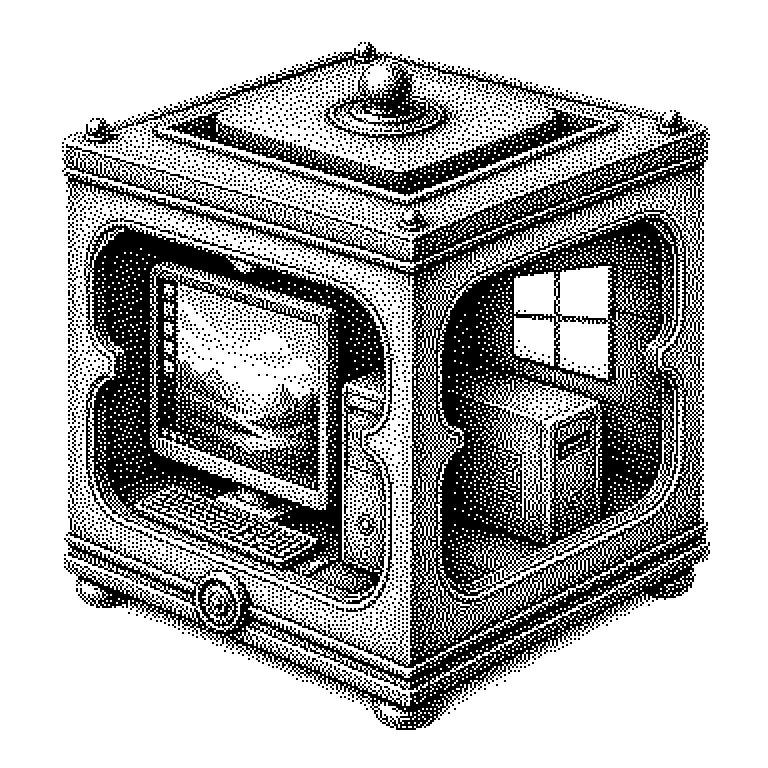
VirtualBox
VirtualBox is a free program from Oracle that lets you run a second computer as software on your own machine. This way, you can start Linux in a window under Windows, for example, without having to reformat your hard drive.
VirtualBox is a program that lets one computer simulate a second computer. This simulated computer exists only as software and runs in an ordinary window. It is called a virtual machine. Into this window one can install a complete operating system, that is, the basic software that makes a computer usable in the first place: Windows, Linux, or an older system. The simulated computer believes it has its own hard drive, its own memory, and its own network card. In reality, it borrows all of this from the real device on which VirtualBox is running. The program is developed by the company Oracle and is free for private use.
A test computer you’re allowed to break
The greatest benefit is safety without risk. Everything that happens in the virtual machine stays contained within it. You can try out unfamiliar software, wreck settings, or ruin an entire system. The actual computer notices nothing of this. Afterward, you delete the virtual machine and create a new one.
Added to that is the convenience of having several systems at once. Many programs only run under Windows, others only under Linux. In the past, you had to restart the computer to switch. With VirtualBox, both systems lie open side by side, like two text documents.
Particularly handy is the Snapshot feature, that is, a momentary capture. It freezes the entire state of the virtual machine. If something goes wrong later, you jump back with a single click. This saves hours of work and makes VirtualBox a standard tool in training courses and in software development.
How a computer within a computer comes into being
VirtualBox is what’s called a hypervisor. This is the term for software that divides the computing power of a real device into portions and distributes them to virtual machines. When setting it up, you determine how much the guest system receives: for example, four gigabytes of memory and two processor cores. The rest remains with the real system, which is called the host system.
The guest’s hard drive is in reality just one large file on the host. You can copy it, move it onto a USB stick, and keep using it on another computer. The hardware, too, is invented: VirtualBox shows the guest system a graphics card and a network card that don’t physically exist. The guest system dutifully installs its drivers for them regardless.
Modern processors help with this through built-in functions for virtualization. As a result, a guest system today runs almost as fast as a real one. The difference is most noticeable with graphics. Demanding games or 3D programs usually run poorly in VirtualBox, because the simulated graphics card is far inferior to a real one.
VirtualBox in school, at work, and compared to the cloud
In computer science class, VirtualBox is often the first contact with Linux. The school distributes a prepared file, everyone starts the same system, and no one has to modify their laptop. Security researchers also use this principle. They deliberately open suspicious files in a virtual machine and observe what happens.
In companies, one encounters the term among developers who need to test programs on multiple operating systems. Besides VirtualBox, there are competitors such as VMware or the Hyper-V built into Windows. A common mistake is confusing it with containers, such as Docker. Containers share the host system’s kernel and start within seconds. A virtual machine brings along a complete operating system of its own and takes longer, but is, in exchange, more strongly isolated.
The same principle lies behind the cloud, that is, rented computers in large data centers. Anyone who books computing power there usually does not receive their own machine, but rather a virtual one. VirtualBox is the small version of this, for the desktop. Anyone who has used it once therefore also understands how modern servers are rented out.